|
 |
 |
 |
Welcome to Mid Herts Divers!
Here you'll find information about the club, what we do and where we meet. You'll also find a repository of interesting and useful scuba-diving information.
We welcome both experienced divers from any affiliation as well as anyone interested in learning.
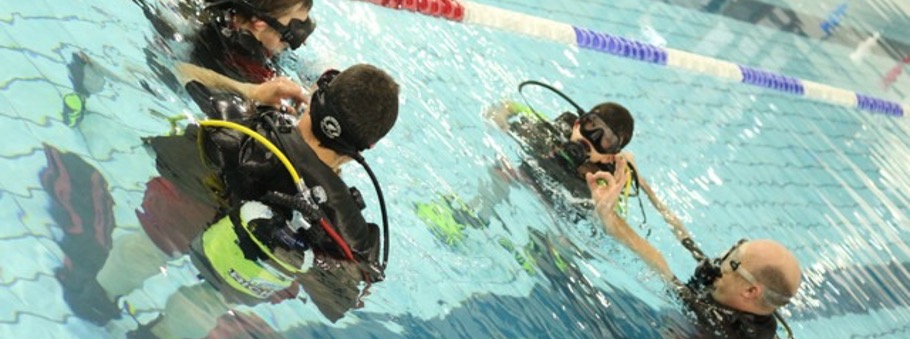
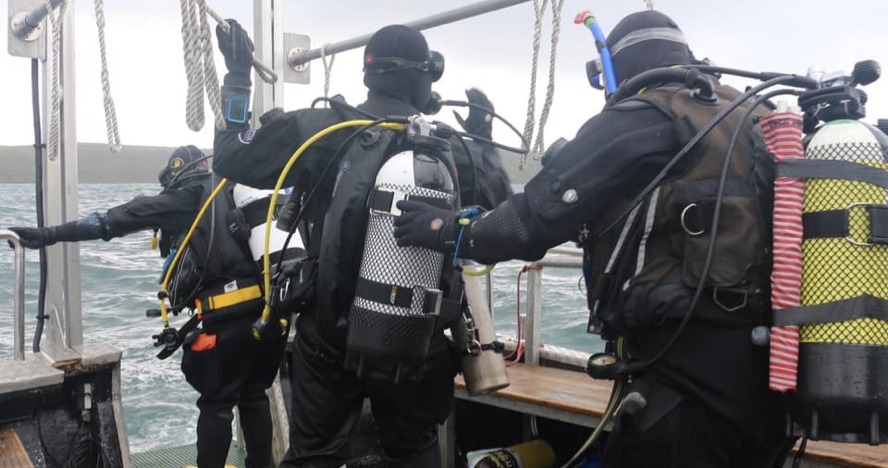
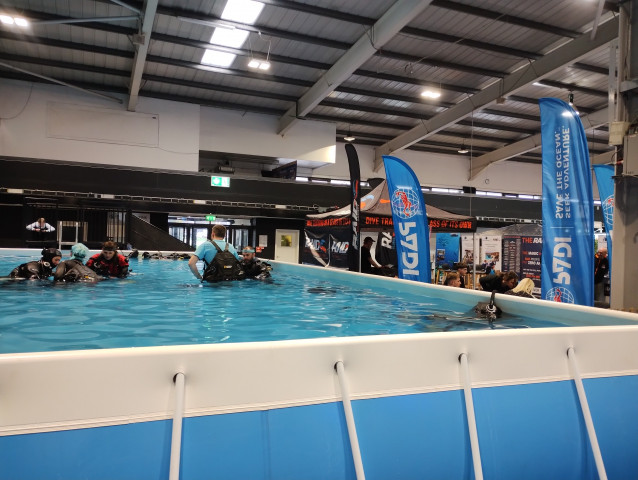
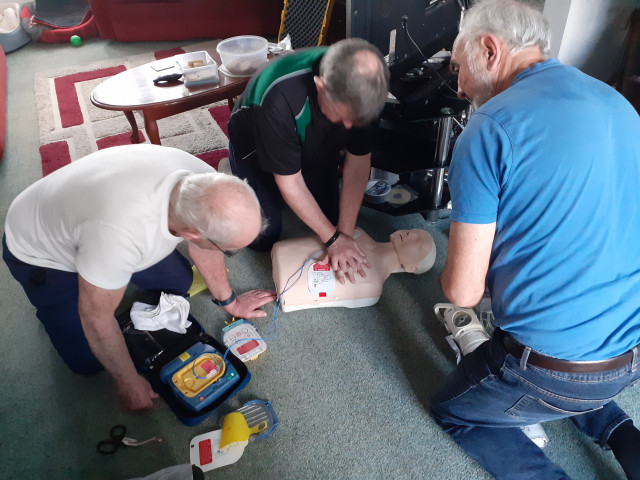
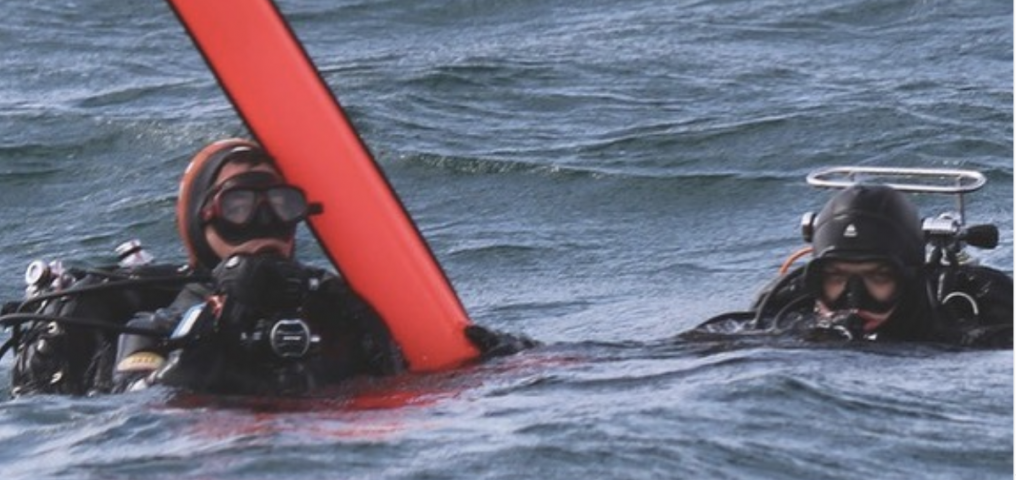
Training is performed by Nationally Qualified Instructors in a safe and structured manner. Theory lessons are conducted in a classroom environment, followed by pool sessions in our indoor swimming pool. Open water lessons are conducted at both inland lakes, and coastal locations.
Membership of the branch includes both use of branch-owned scuba kit during training and the indoor swimming pool.
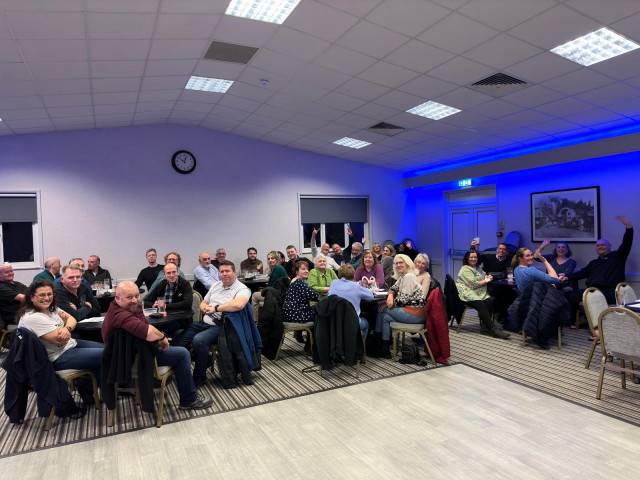
We meet every Wednesday evening at Monks Walk School, Knightsfield, Welwyn Garden City, Hertfordshire. AL8 7NL between 7.30pm-9.30pm.
Mid Herts divers (also known as Mid Herts Sub-Aqua Club) are branch #1784 of the British Sub Aqua Club (BSAC), the world's biggest diving club
|
| |
| | |
Equipment Servicing at SDS Watersports Submitted on 20-Nov-2008 10:12:23 by Paul Rosendale. Updated on 20-Nov-2008 10:13:57
To those that are not aware..............
Mid Herts club members qualify for 10% discount at SDS Watersports on the following:
- Regulator servicing, repairs and upgrades
- BCD servicing and repairs
- Cylinder inspections, repairs and O2 cleaning
NOW is an ideal time to submit your equipment for servicing, either ready for the forthcoming winter season or to beat the spring time rush of divers getting back into the water.
SDS Watersports in Sheffield have been awarded the prestigious “Dive Retailer of the Year” an incredible 7 times by readers of “Diver” magazine.
Please see Paul R if you wish to take advantage of this offer or for further details.
| |   | Mid Herts Divers deliver Bert to his new home Submitted on 17-Nov-2008 10:22:50 by Adrian Colegate. Updated on 18-Nov-2008 10:31:11
On Sunday 16th November, a crack team of hardened British divers took Bert, the Mid Herts Divers gnome to his new home at the National Diving and Activity Centre, Chepstow.
Although the weather and diving conditions seemed set to suspend operations, following a sustaining lunch of chips and curry, the hardy team led by Pete "Pistol" Hodkins successfully deployed Bert to his new watery home.
During the operation, two of the hardened divers carried out a reconsissance mission to an unexplored and classified area of the site whilst the other two provided sniper cover from the 27m shelf. Mission failure however, was narrowly averted when one of the snipers lost composure and was compelled to ride a discarded motorcycle.
|
 The team: Left to right: Adrian "Evil Knievel" Colegate, Pete "Pistol" Hodkin with Bert the gnome, "Deco" Dawn, and Paul "Debrief" Rosendale ;-)
|
The National Diving and Activity Centre is the UK's deepest inland dive site with a maximum depth of 75 metres. It has numerous attractions including aeroplanes, helicopters, cars, lots of swim-throughs, training platforms and a gnome garden.
Onsite is a dive shop, a food wagon (with a surprising variety of hot food) and a high-capacity filling station. The site also provides trolleys, raised kitting-up areas, mask-washing buckets and transport to and from the quarry’s floating pontoons.
A great day was had by all and a return weekend trip is pencilled in for the 28th/29th march 2009.
Thanks must go to Pete for driving and Tony for the loan of the vehicle.
| |   | **2009 Club Holiday to Malta & Gozo** Submitted on 07-Nov-2008 18:21:03 by Paul Rosendale. Updated on 18-Nov-2008 10:30:48 by Adrian Colegate
|
HOT NEWS - It is planned to organise the 2009 club holiday to Malta and Gozo!!
When? - Wednesday 16th - Wed 23rd September
Where? - Staying in the St Paul's Bay area, with easy access to sites in Malta, Gozo and Comino
Who? - Open to all club members and families (see minimum diving qualification below)
Diving? - 6 full days independent diving at the best shore diving sites in Malta and Gozo. Sites will include wrecks, reefs, walls, caverns, caves and "Blue Holes"........
Qualification? - Minimum of BSAC Sports Diver / PADI Advanced Open Water (regulated by Maltese law)
How Much (per person)? - Flights £115, B&B Hotel £120 or Half Board Hotel £150, Car Hire £60, Cylinder Hire with unlimited fills £60, plus holiday spending money.
Interested? - See Paul for further details
Dive sites will include:
Cirkewwa Reef, P29 wreck, Rozi wreck, Anchor Bay, Blue Grotto, Um El Faroud wreck, HMS Maori wreck, Blue hole, Inland sea, Cominoland wreck, Karwela wreck, Ghar Lapsi caves........... |
|


|
| |   | New Series on BBC2 - "Oceans" Submitted on 09-Nov-2008 13:26:32 by Paul Rosendale. Updated on 18-Nov-2008 13:03:55 by Adrian Colegate
A new 8 part series called "Oceans" starts on Wednesday 13th November. A Series revealing the hidden stories of the deep as a team of four marine experts voyage across the globe to explore our planet's last true wilderness - its oceans.
Over a year, Paul Rose, Philippe Cousteau Jr, Dr Lucy Blue and Tooni Mahto explore how a unique ocean paradise, home to the greatest variety of whales and dolphins in the world, is under threat. They dive stormy seas to investigate how a giant predator, the cannibalistic Humboldt squid, is invading this sea, and search for the threatened hammerhead shark.
In an extraordinary encounter, the team carry out pioneering science on one of the largest carnivores on earth: the 20-metre-long sperm whale. They explore a sunken ship with a tragic human story, and search for evidence that the Sea of Cortez is still growing, they dive along part of the San Andreas fault line. The dive is above waters heated to near-boiling point by the furnace of the inner Earth.
The series can be seen on Wednesdays on BBC2 at 8pm and on Saturdays on BBC-HD at 5pm.
Set your Sky Plus/Sky HD/DVD recorder NOW!! More information can be found here http://www.bbc.co.uk/oceans
| |   | Digital Photography Tutorial 1 - Colour correcting underwater images Submitted on 14-Nov-2008 15:35:30 by Adrian Colegate. Updated on 14-Nov-2008 18:08:32
|
Everyone who takes digital photos without a powerful strobe or a red filter will have taken shots that look like the 1st image on the right.
This is the effect of light travelling through water. In fresh water, light generally loses most of it’s red and some blue leaving images greenish. In salt water, light loses most of it’s red and some green, resulting in images that look very blue.
Most computer users familiar with image processing software will immediately reach for the “levels” feature in their favourite application (this article refers to Adobe Photoshop). However, when you attempt to pull the level sliders, something strange happens - you get an image that looks like the 2nd image. This is because the original image contains little or no “red” data and what's there has had it’s levels increased to cover the image’s whole dynamic range.
Even if you manually adjust the level sliders yourself, you can at best only achieve results like the 3rd image. There’s just not enough “information” in the picture to create a properly colour-balanced image.
So what do you do? Well you can manufacture the missing “red” data from the luminosity (brightness) data of the other 2 channels (green and blue). This will result in an simage similar to the last one on the right.
The process is as follows:
-
Load your image into any version of Adobe Photoshop.
-
Create 3 duplicate layers of the original photo (Layer > Duplicate Layer > OK)
-
Make the middle duplicate layer active (second one down in the ‘Layers’ palette) by single clicking on it in the ‘Layers’ palette (palette with Layers-Channels- Paths)
-
Fill that layer with 50% grey (Edit > Fill > 50% Gray, 100% opacity, normal)
-
Make the top duplicate layer active by single clicking on it in the ‘Layers’ palette. Change that layers blending mode to ‘Luminosity’ (Layer > Layer Style > Blending Options > Blend Mode > Luminosity) Merge that layer down into the middle grey layer. (Layer > Merge Down). You now have a B&W image of your original photo in this layer.
-
Create a new fill layer above this B&W image (Layer > New Fill Layer > Solid Colour). make sure ‘Group with Previous Layer’ is ticked. Fill this layer with red (R: 255, G: 0, B: 0). Change this layer’s blending mode to ‘Multiply’ (Layer > Layer Style > Blending Options > Blend Mode > Multiply) and merge it down into the previous layer (the B&W image) (Layer > Merge Down). You’ve now have a red photo.
-
Change the blending mode of the red photo to ‘Screen’ (Layer > Layer Style > Blending Options > Blend Mode > Screen) and merge it down into the first duplicate layer (Layer > Merge Down). You’ve now got your original image with a set of artificially created red data.
-
Run Auto-Levels (Image > Adjustments > Auto Levels). See how you like the results. If not, undo them (Edit > Undo Auto Levels) and adjust the ‘Levels’, ‘Contrast’ and ‘Brightness’ manually.
-
Make adjustments with the Hue/Saturation (Image > Adjust > Hue/Saturation) and Colour Balance (Image > Adjust > Colour Balance) until you get the desired effect.
-
Adjust the sharpness (Filter > Sharpen > Unsharp Mask). A window will open with an automatic percentage adjustment shown. Increase or decrease the adjustment if you’re not satisfied with the results.
-
When you’re finished, flatten the layers (Layer > Flatten Image), re-size the image to your requirements and save the photo as a new file. Never overwrite your original photo as you may want to do something else with it in the future.
Top Tip
You can automate this process by creating a Photoshop "Action" which can be stored in a library of requently used operations.
Running an action on a photo takes a fraction of the time compared to performing the steps manually. |
|
 Original image - very blue with virtually no red data
 Poor results after using auto "per channel" levels
 Best attempt to manually adjust "per channel" levels. Still no real improvement
 Much better results after adding artifical red data
|
|
| | |
|
 |
|